Why Are Developers Switching from Google to This Free Browser

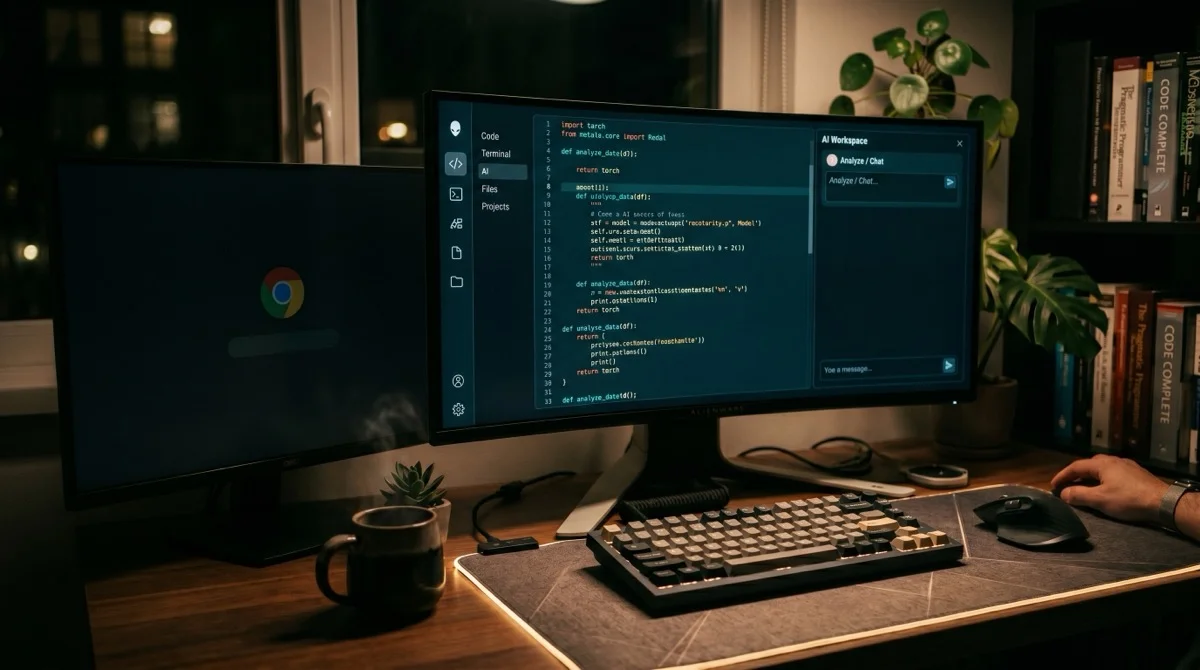
Let us be entirely honest: Google is no longer a search engine. It has devolved into a heavily monetized ad catalog optimized for e-commerce transactions and affiliate marketing click-throughs. For software developers, this degradation is particularly painful. Finding the correct syntax for a new React 19 concurrent state API hook now requires filtering out dozens of medium scraper sites, outdated StackOverflow clones, and SEO-stuffed tutorial farms. Conversational search engines like Perplexity bypass this noise by acting as direct code and context synthesizers.
Key Takeaways: The Shift to Synthesized Search
- RAG vs. PageRank: Perplexity relies on Retrieval-Augmented Generation (RAG) to search, fetch, and synthesize documentation directly into clean markdown, rather than matching keywords against index domains.
- Ad-Free Efficiency: Eliminating sponsored products, affiliate banner loops, and infinite cookie walls returns hours of developer time.
- Focus Filters: Restricting crawls to specific domains—such as academic papers or raw GitHub repositories—filters out SEO web spam at the source.
- Browser Integration: Configuring a custom site search engine in Chrome turns the omnibox into a direct pipeline to synthesized technical answers.
Ashique Hussain’s Anecdote: "I spent a week debugging a concurrency bottleneck in an RxJS data pipeline for an energy trading platform. Standard Google searches kept sending me to Medium articles from 2018 repeating basic tutorial configurations, or stackoverflow scraped mirrors that had hijacked the search rankings with zero actual answers. In desperation, I booted up Perplexity and queried the exact RxJS scheduler context. It took exactly eight seconds. The engine crawled the official documentation, ran a live retrieval-augmented synthesis, and outputted a clean TypeScript example showing how to isolate the scheduler thread—complete with direct citation anchors. I haven't clicked a Google search results link for technical tasks since."
The developer migration from legacy indexing to AI-driven synthesis is not a temporary trend; it is a structural shift in how engineers gather technical data. If you are exploring how different models perform in technical scenarios, you can read our detailed evaluation of the best AI chatbots.
The Autopsy of Modern Google Search
Google’s core business model is advertising, generating billions in ad revenues by keeping users on its search engine results pages (SERPs) long enough to view sponsored links. According to recent search studies, over 50% of all Google searches now result in zero clicks—meaning Google either answers the query directly with scraped snippets or forces users to navigate commercial ad blocks.
For developers, this has created three major bottlenecks:
- SEO Content Farms: High-domain authority websites hire low-cost content writers to write massive articles targeting specific dev keywords (e.g., "how to map array in react"). These articles contain hundreds of words of fluff before showing the single line of code you actually need.
- Scraped StackOverflow Mirrors: Bots copy StackOverflow threads, package them with intrusive display ads, and use aggressive SEO tactics to rank higher than the original threads. Clicking these leads to a nightmare of cookie popups and layout shifts.
- Outdated Information: Search engines rely on historical crawl frequencies. If an API framework undergoes a breaking change on a Tuesday, Google's index may still serve the old framework documentation for weeks, causing developers to debug dead code.
To secure your own site's discoverability in this changing landscape, you must understand how to transition your content for AI crawlers. Check out our guide on generative engine optimization strategies for visibility in AI search to learn about configuring schemas and structured data.
RAG Mechanics: Why Perplexity Outclasses Legacy PageRank
At the system level, the difference between Google and Perplexity comes down to the computer science of retrieval. Google uses a modified version of **PageRank** and neural matching to evaluate which domain has the highest authority, presenting you with a list of links. You, the human, are forced to be the parser: clicking the link, scanning the page, extracting the relevant syntax, and discarding the advertising noise.
Perplexity utilizes **Retrieval-Augmented Generation (RAG)**. When you submit a technical query, Perplexity does not just look for matches in a pre-computed index. Its pipeline performs the following steps in real-time:
- Semantic Query Expansion: The engine translates your colloquial question into several structured search queries optimized for various documentation databases and web indexes.
- Parallel Documentation Crawl: It crawls high-trust sources (such as MDN Web Docs, GitHub repositories, and official API domains) in parallel.
- Vector Embedding Segmentation: The fetched HTML files are split into small chunks, converted to vector embeddings, and ranked based on semantic similarity to your query.
- LLM Synthesis: The highest-ranked code chunks are fed into a large language model context window (such as Claude 3.5 Sonnet or GPT-4o), which synthesizes the data into a single, unified markdown response with inline citations pointing back to the source.
By outsourcing the crawling, parsing, and synthesis to the machine, you eliminate the cognitive load of browsing. If you want to dive deeper into the tools shaping the modern artificial intelligence landscape, explore our comprehensive AI tools guide for detailed comparisons.
⚡ Chrome Search Engine Shortcut Generator
Ditch manual navigation. Define a quick keyboard keyword (like p or px) to instantly run Perplexity RAG synthesis queries directly from your browser's address bar.
Installation Instructions:
- Copy the URL Parameter String above.
- Open your Chrome browser and navigate to
chrome://settings/searchEngines. - Scroll down to the **Site search** section and click the **Add** button.
- Configure the parameters exactly as follows:
- Search engine:
Perplexity - Shortcut:
p - URL with %s in place of query: Paste the copied string (
https://www.perplexity.ai/search?q=%s)
- Search engine:
- Click **Save**. Now, simply type p followed by Space or Tab in your address bar to search via Perplexity RAG synthesis instantly!
The Architectural Focus Channels
One of the major design advantages Perplexity offers over generalist platforms like standard ChatGPT is the presence of **Focus Filters**. General web search engines attempt to crawl everything—resulting in a mix of corporate news releases, Reddit arguments, and outdated tutorials.
Perplexity allows you to slice the crawl space before running model inference:
- Writing Channel: Bypasses the web search retrieval phase completely. It handles pure language model generation, ideal for cleaning up raw notes or converting unstructured code comments into professional markdown docs.
- Academic Channel: Restricts crawls to peer-reviewed academic literature, ArXiv pre-prints, and scientific publications, ignoring secondary news outlets and forum boards.
- Code Channel: Sets the retrieval space specifically to technical documentation directories, developer API specifications, and raw GitHub file trees. It actively ignores marketing pages and blog posts claiming to solve problems.
This architectural routing changes the input context dramatically. By stripping away non-technical noise before running the synthesis pipeline, the probability of model hallucinations drops significantly, yielding precise execution patterns.
Maximizing Your Conversational Search Pipeline
Transitioning to synthesized search requires changing your mental model of prompting. When using legacy Google, you train yourself to type fragments of queries optimized for a database index (e.g., "nextjs dynamic routing error 404"). You must analyze the links manually.
With Perplexity, treat the engine like a highly competent, connected junior engineer. Provide full structural parameters. Write queries like: *"Review the official Next.js 15 dynamic routing documentation and write a stateless TSX page component that fetches data using generateStaticParams. Address the breaking change involving async params."*
The engine will crawl the official Next.js documentation, identify the specific deprecation note regarding async params, and synthesize a compile-safe code block tailored to your exact schema in seconds. You transition from a manual clicking consumer to an architectural orchestrator.
Frequently Asked Questions
Related Articles
 Ashique Hussain— May 1, 2026
Will AI Replace Cybersecurity? The Reality and AI Security Roadmap
 Ashique Hussain— May 14, 2026
Generative Engine Optimization (GEO): Improving Visibility in Perplexity and AI Search
 Ashique Hussain— May 17, 2026